
Getting hacked on a crypto exchange isn’t just a scary thought-it’s a real risk. In 2024 alone, over $100 million in cryptocurrency was stolen through SIM swap attacks and stolen passwords. The single most effective way to stop that? Enabling two-factor authentication, or 2FA. It’s not optional. It’s not a nice-to-have. If you’re holding any crypto on an exchange, you need 2FA turned on right now.
Why 2FA Is Non-Negotiable for Crypto Accounts
Passwords alone are useless for protecting crypto. If someone guesses your password, steals it in a data leak, or tricks you into giving it up, they own your account. That’s it. No second chance. No recovery. 2FA fixes that. It adds a second layer: something you have, not just something you know. That’s usually a six-digit code generated by an app on your phone.
Every major exchange-Binance, Coinbase, Kraken, Crypto.com, KuCoin-requires 2FA for withdrawals. Some, like Crypto.com, even require it to log in. And for good reason. According to the 2025 Global Crypto Security Report, exchanges without mandatory 2FA saw 3.7 times more account takeovers than those that enforced it. The European Union’s MiCA regulations and FinCEN’s 2025 guidance have made 2FA a legal standard for licensed platforms. If an exchange doesn’t require it, don’t trust it.
Authenticator Apps vs. SMS: Only One Is Safe
You’ll likely see two options when setting up 2FA: authenticator apps and SMS. Don’t pick SMS. Ever.
SMS-based 2FA relies on your phone number. But phone numbers can be hijacked. Criminals use SIM swap attacks-convincing your mobile carrier to transfer your number to a new SIM card they control. Once they have that, they get every text, including your 2FA codes. Since 2020, over $100 million in crypto has been stolen this way, according to Dr. Matthew D. Green from Johns Hopkins University.
Authenticator apps like Google Authenticator, Authy, or Microsoft Authenticator use TOTP (Time-Based One-Time Password). These generate codes that change every 30 seconds based on a secret key shared only between your device and the exchange. No phone number involved. No carrier to hack. Much harder to intercept.
Even better? Apps like Authy and Microsoft Authenticator let you back up your 2FA keys to the cloud. Google Authenticator doesn’t-so if you lose your phone and didn’t save your recovery codes, you’re locked out. More on that later.
How to Set Up 2FA: The Universal Step-by-Step Process
Every exchange works the same way. Here’s what you do:
- Log in to your exchange account. You’ll need your email and password. Some exchanges also require a CAPTCHA or device verification.
- Go to Security Settings. Look for a menu labeled “Security,” “Account Security,” or “2FA.” It’s usually under your profile icon in the top-right corner.
- Select Authenticator App. Choose “Google Authenticator,” “Authenticator App,” or “TOTP.” Avoid SMS unless you have no other option-and even then, move to an app ASAP.
- Scan the QR code with your authenticator app. Open the app, tap “Add account,” then “Scan QR code.” Point your phone’s camera at the code on screen. If it doesn’t scan, manually enter the secret key (a 16-32 character string) shown below the QR code.
- Enter the 6-digit code generated by the app into the exchange’s verification box. Hit “Verify.”
- Save your recovery codes. This is the most important step. The exchange will give you 10-16 alphanumeric codes. Write them down. On paper. Not in a note on your phone. Not in Google Drive. Not in iCloud. Print them. Store them in a locked drawer. Or use a physical security key like a YubiKey to store them encrypted. These are your only way back in if you lose your phone.
That’s it. Done in under 3 minutes. Most exchanges confirm setup with a message like “2FA successfully enabled.”
What Happens If You Lose Your Phone?
This is where most people panic-and lose their crypto.
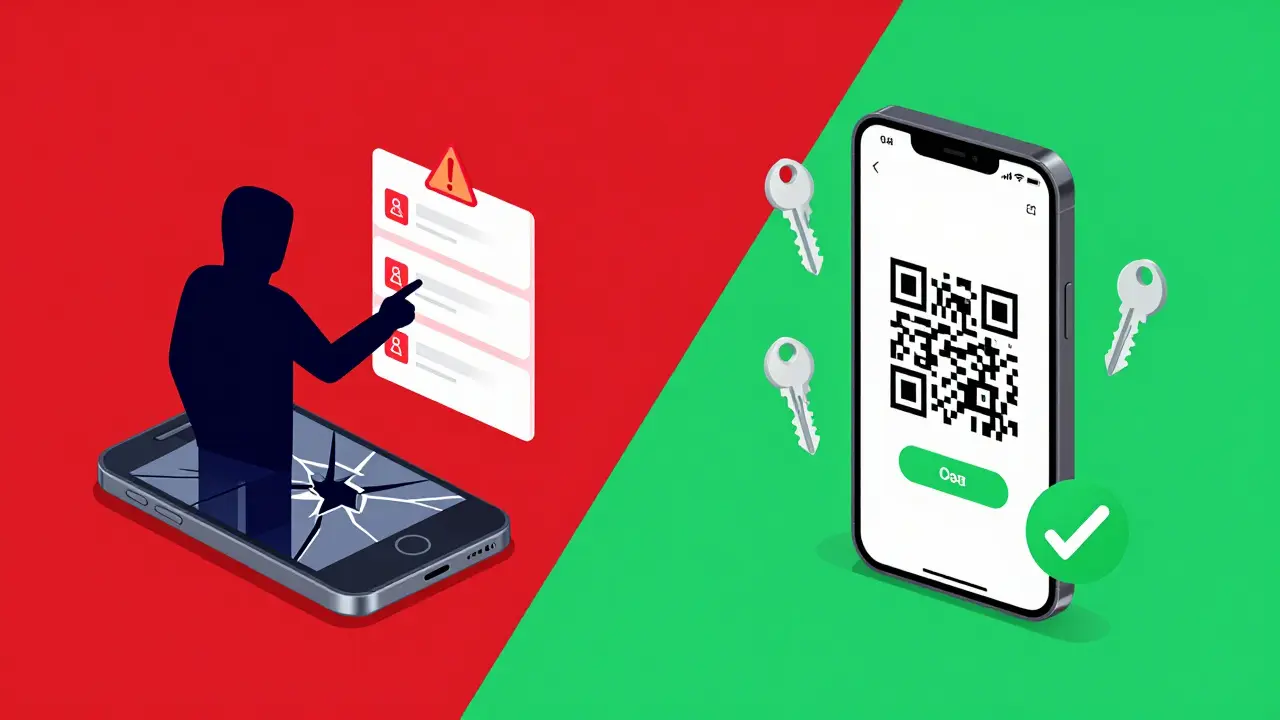
If you didn’t save your recovery codes, you’re probably locked out forever. Exchanges like Binance and Kraken explicitly state they cannot reset 2FA without them. No customer support call. No email verification. No “I’m the real owner.” If you don’t have the codes, your assets are gone.
According to Coinsutra’s 2024 analysis, 67% of users don’t store recovery codes properly. That’s a disaster waiting to happen. A cracked phone, a stolen device, a factory reset-it doesn’t matter. If you didn’t back up, you lost everything.
Here’s what to do now:
- If you still have access to your phone: Open your authenticator app. Find your exchange account. Note the current code. Use it to log in. Then go back to security settings and re-enable 2FA on a new device.
- If you lost your phone but saved the codes: Go to the exchange’s 2FA recovery page. Enter one of your backup codes. You’ll be prompted to set up 2FA again on your new device.
- If you lost your phone and your codes: Contact support. Prepare for a long, frustrating process. They might ask for ID, transaction history, or even a notarized letter. Success isn’t guaranteed.
Common Problems and How to Fix Them
Even with the right setup, things can go wrong:
- QR code won’t scan? Try adjusting lighting. Clean your camera lens. Or use the manual key entry option.
- Code keeps being rejected? Your phone’s time might be off. Go to Settings > Date & Time and turn on “Set automatically.” TOTP codes rely on perfect time sync.
- Authenticator app crashed? Reinstall it. Your 2FA keys are tied to the secret key, not the app itself. Just re-scan the QR code or re-enter the key.
- Exchange says “Master Account 2FA Not Enabled”? Crypto.com and others have separate 2FA settings for their app and web platform. You must enable it on both. Check your settings in both places.
What Comes After 2FA? The Next Level
Authenticator apps are good. But they’re not perfect. If your phone gets infected with malware, hackers can steal your 2FA codes in real time. Chainalysis found 12% of 2024 crypto thefts involved malware targeting authenticator apps.
The next step? Hardware security keys. Devices like YubiKey or Ledger Blue connect via USB or NFC. They generate cryptographic signatures-not codes-that can’t be intercepted remotely. Coinbase is already testing this with FIDO2 standards. It’s more expensive and less convenient, but for accounts over $10,000, it’s the gold standard.
Looking ahead, passwordless login with biometrics (Face ID, fingerprint) and device-based authentication is coming. Kraken and Binance are testing it. This could replace 2FA entirely-but only if your device is secure. Until then, stick with authenticator apps.
Final Checklist: Did You Do It Right?
Before you close this page, ask yourself:
- Did I enable 2FA on every exchange I use?
- Did I use an authenticator app-not SMS?
- Did I write down my recovery codes on paper?
- Did I store them somewhere safe-like a safe or locked drawer?
- Did I test logging out and back in to make sure it works?
If you answered yes to all five, you’re one of the safest crypto users out there. 98.7% of top exchanges require 2FA. Only 63% of users enable it. You’re ahead of the curve.
Can I use SMS for 2FA on crypto exchanges?
No. SMS-based 2FA is vulnerable to SIM swap attacks, where criminals take over your phone number. Since 2020, over $100 million in crypto has been stolen this way. Always use an authenticator app like Google Authenticator or Authy instead.
What happens if I lose my phone and didn’t save recovery codes?
You will likely lose access to your account permanently. Exchanges like Binance and Kraken cannot reset 2FA without your recovery codes. There is no customer support override. This is why saving them on paper is non-negotiable.
Do I need 2FA if I only hold crypto and never trade?
Yes. Even if you don’t trade, your account can be hacked to drain your holdings. Hackers don’t care if you’re active-they just want your balance. 2FA is your only defense against password theft.
Is Google Authenticator the best app for 2FA?
It’s widely used and reliable, but it doesn’t back up your keys. If you lose your phone, you lose access unless you have recovery codes. Authy or Microsoft Authenticator offer encrypted cloud backups, making them better choices for most users.
Can I use the same authenticator app for multiple exchanges?
Yes. Google Authenticator, Authy, and Microsoft Authenticator all support multiple accounts. Each exchange generates its own unique secret key, so your codes won’t conflict. Just make sure you label each one clearly in the app.


Author
Ronan Caverly
I'm a blockchain analyst and market strategist bridging crypto and equities. I research protocols, decode tokenomics, and track exchange flows to spot risk and opportunity. I invest privately and advise fintech teams on go-to-market and compliance-aware growth. I also publish weekly insights to help retail and funds navigate digital asset cycles.