
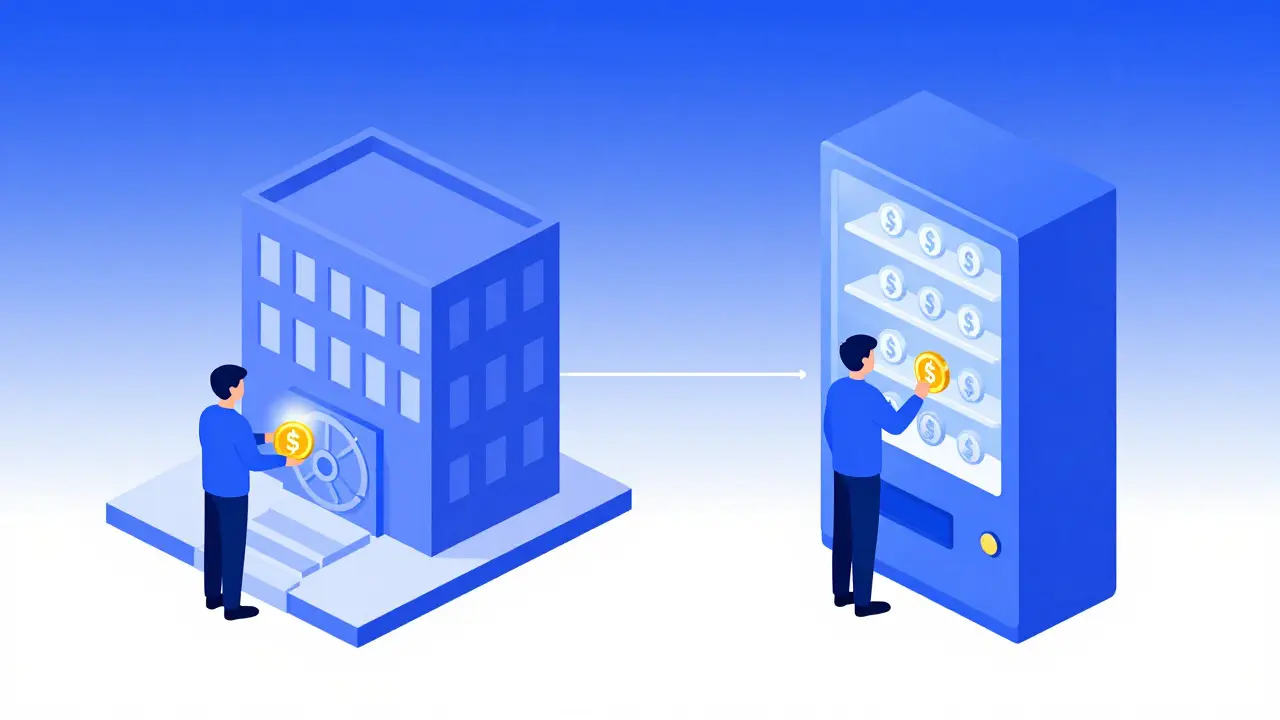
Imagine trying to buy coffee with cash, but the barista insists on holding your money in their pocket until you decide what drink you want. That’s essentially how centralized exchanges work-you hand over control of your assets to a company. Now imagine walking into a vending machine where you insert coins and get product instantly, without anyone asking for your ID or keeping your change. That is the promise of a Decentralized Exchange, commonly known as a DEX, which is a peer-to-peer cryptocurrency trading platform that operates through smart contracts on blockchain networks. No middlemen, no custodians, just you and the code.
If you’ve ever felt uneasy about leaving thousands of dollars on an exchange like Coinbase or Binance, you’re not alone. The collapse of FTX in 2022 shook confidence in centralized platforms, pushing many toward self-custody solutions. But here’s the catch: using a DEX isn’t as simple as clicking "Buy" on an app. It requires a different mindset, a few technical tools, and an understanding of concepts like gas fees and slippage. This guide will walk you through exactly how to set up, fund, and trade on a DEX safely and efficiently.
Why Choose a DEX Over a Centralized Exchange?
Before diving into the steps, it helps to understand why you might bother with the extra complexity. The core advantage is non-custodial trading. On a centralized exchange (CEX), the platform holds your private keys. If they get hacked, go bankrupt, or freeze your account, your funds are at risk. On a DEX, your assets stay in your personal wallet until the exact moment of the swap. You retain full control.
There are other benefits too:
- Privacy: Most DEXs don’t require Know Your Customer (KYC) verification. No uploading passports or selfies.
- Censorship Resistance: Since there’s no central authority, it’s harder for governments or corporations to block specific tokens or users.
- Access to New Tokens: Projects often list on DEXs before they hit major CEXs. You can trade new tokens immediately after launch.
However, there are trade-offs. DEXs generally have higher fees during network congestion, lack customer support chatbots, and offer fewer advanced order types like stop-losses. According to data from DeFiLlama, DEXs handled roughly $15-20 billion in monthly volume in mid-2024, representing about 15-20% of total crypto trading. While growing fast, they still lag behind CEXs in ease of use for beginners.
Step 1: Set Up a Web3 Wallet
You can’t use a DEX with a standard email-and-password login. You need a Web3 Wallet, such as MetaMask, which is a software wallet that connects your browser to decentralized applications. Think of this as your digital passport and bank account combined.
- Download the Extension: Go to metamask.io and install the browser extension for Chrome, Firefox, or Brave. Avoid downloading from third-party sites to prevent malware.
- Create a New Wallet: Click "Create a Wallet." You’ll be asked to create a strong password. This password unlocks the interface but does not recover your funds if lost.
- Save Your Seed Phrase: This is the most critical step. MetaMask will show you 12 random words. Write them down on paper-never screenshot or save them digitally. These words are the master key to your entire portfolio. If someone steals them, they steal everything. If you lose them, your money is gone forever.
Once set up, your wallet address (starting with 0x...) acts as your public identity. Share this freely to receive funds. Never share your seed phrase.
Step 2: Fund Your Wallet with Native Tokens
To interact with any blockchain, you need its native token to pay for transaction fees, known as gas fees. On Ethereum, this is ETH. On BNB Chain, it’s BNB. On Solana, it’s SOL.
Here’s where many beginners stumble: you can’t just deposit USDT or USDC and start swapping. You need the native coin to pay the network miners or validators to process your transaction. As of August 2024, gas fees on Ethereum mainnet range from $0.50 to $5.00 per transaction during normal times, but can spike to $50+ during high congestion.
Pro Tip: To avoid high Ethereum fees, consider using Layer 2 networks like Arbitrum or Optimism, or alternative chains like Polygon or Solana. Fees on these networks are often under $0.10. You can buy ETH or other tokens on a centralized exchange like Coinbase or Kraken, then withdraw them to your MetaMask address.
Step 3: Connect Your Wallet to a DEX
Now comes the fun part. Open your web browser and navigate to a reputable DEX. Uniswap is the largest decentralized exchange by volume, operating on Ethereum and multiple Layer 2 networks. Other popular options include PancakeSwap (on BNB Chain) and Raydium (on Solana).
Click the "Connect Wallet" button in the top right corner. A MetaMask popup will appear asking for permission. Click "Connect." You should now see your wallet balance displayed on the DEX interface. If it shows zero, double-check that you’re on the correct network (e.g., Ethereum Mainnet vs. Arbitrum One).
Step 4: Select Token Pairs and Check Liquidity
DEXs don’t have order books like stock markets. Instead, they use Liquidity Pools-smart contracts filled with pairs of tokens provided by users. When you swap, you’re trading against this pool.
In the swap interface, select the token you want to sell (e.g., ETH) and the token you want to buy (e.g., USDC). Make sure both tokens are on the same network. Swapping ETH on Ethereum for USDC on Polygon won’t work directly; you’d need a bridge first.
Check the liquidity depth. High liquidity means better prices and less slippage. Uniswap supports over 386,000 token pairs, but obscure tokens may have thin pools, leading to poor execution.
Step 5: Approve the Token Spending
This step often confuses newcomers. Before you can swap ERC-20 tokens (like USDT or SHIB), you must give the DEX permission to spend them on your behalf. This is called an Approval Transaction.
Click "Approve" next to the token you’re selling. MetaMask will pop up again. Confirm the transaction. This costs gas. Note that approvals are permanent until revoked, so only approve reputable DEXs. After approval, the button changes to "Swap."
Step 6: Adjust Slippage Tolerance
Slippage is the difference between the expected price of a trade and the executed price. In volatile markets, prices can change while your transaction is pending. If the price moves too much, the trade fails.
Most DEXs default to 0.5% slippage tolerance. For stablecoins or large trades, keep it low. For volatile meme coins or small amounts, you might need to increase it to 1-3%. Click the settings gear icon to adjust this. Be careful: setting it too high (e.g., 10%) exposes you to front-running bots who might exploit the wide spread.
Step 7: Execute the Swap
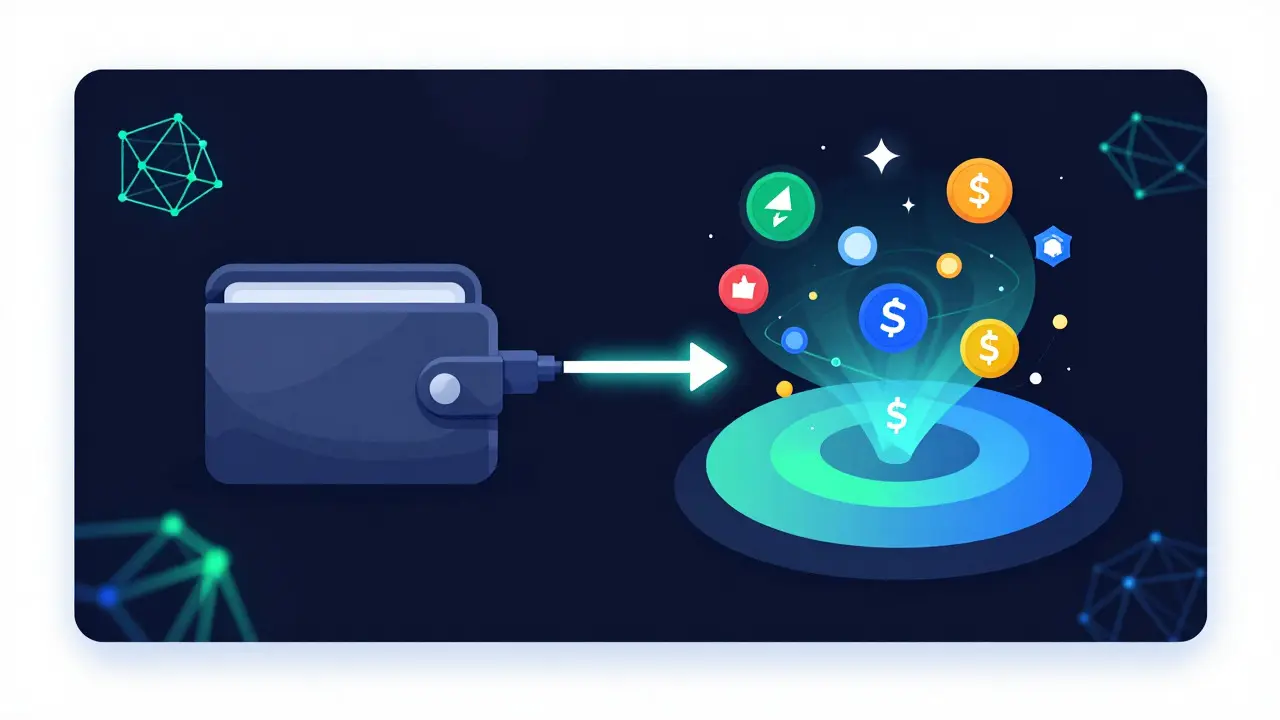
Review the details: input amount, output amount, price impact, and estimated gas fee. If everything looks good, click "Swap." MetaMask will ask for final confirmation. Click "Confirm."
Your transaction is now broadcast to the blockchain. Wait for confirmations. On Ethereum, this takes 15-30 seconds. On Solana, it’s nearly instant. Once confirmed, the new tokens will appear in your wallet.
| Platform | Primary Network | Avg. Fee | Best For |
|---|---|---|---|
| Uniswap | Ethereum / L2s | 0.30% | Wide variety of tokens, deep liquidity |
| PancakeSwap | BNB Chain | 0.25% | Low-cost trading, yield farming |
| Raydium | Solana | 0.25% | Speed, ultra-low fees ($0.00025) |
| Curve | Ethereum / Multi-chain | 0.04% | Stablecoin swaps, minimal slippage |
Common Pitfalls and How to Avoid Them
Even experienced users make mistakes. Here are the most frequent issues:
- Insufficient Gas: Ensure you have enough native tokens (ETH, BNB, etc.) to cover the swap fee plus a buffer. If you run out, your transaction stalls.
- Wrong Network: Always verify the network in your wallet matches the DEX. Sending ETH to a BSC address results in lost funds.
- Honeypot Tokens: Some scam tokens allow buying but not selling. Check contract audits and community reputation before trading obscure tokens.
- Phishing Sites: Bookmark official DEX URLs. Typing "uniswap.com" instead of "uniswap.org" can lead to fake sites that drain wallets.
A 2024 CoinGecko survey found that 63% of new users failed their first DEX swap due to errors like insufficient gas or incorrect slippage settings. Don’t worry-start with small amounts to learn the process.
Advanced Tips for Experienced Users
Once you’re comfortable, explore these optimizations:
- Use Aggregators: Tools like 1inch or Matcha scan multiple DEXs to find the best price, splitting your order across pools to minimize slippage.
- Layer 2 Scaling: Bridge your assets to Arbitrum or Optimism for 90% lower gas fees compared to Ethereum mainnet.
- Limit Orders: Some DEXs like dYdX or Jupiter offer limit orders, allowing you to set target prices rather than market-swapping.
Is it safe to use a decentralized exchange?
Yes, but with caveats. DEXs eliminate counterparty risk since you never send funds to a central entity. However, risks remain: smart contract bugs, phishing scams, and user error (losing seed phrases). Always use audited protocols like Uniswap or Curve, bookmark official sites, and double-check addresses before confirming transactions.
What are gas fees, and why do I need them?
Gas fees are payments to blockchain validators for processing your transaction. They prevent network spam and compensate miners. Without sufficient gas, your transaction fails. Fees vary by network congestion; Ethereum is more expensive than Solana or Polygon.
Can I trade fiat currency (USD/EUR) on a DEX?
Not directly. DEXs trade cryptocurrencies only. To enter a DEX, you typically buy crypto on a centralized exchange (CEX) with fiat, then transfer it to your Web3 wallet. Some wallets offer integrated on-ramps via partners like MoonPay, but these involve KYC.
What is slippage, and how much should I set?
Slippage is the acceptable price deviation during a trade. For stable pairs (e.g., ETH/USDC), 0.5-1% is usually fine. For volatile tokens, you may need 2-5%. Setting it too low causes failed transactions; too high risks bad pricing due to market manipulation.
Which DEX is best for beginners?
Uniswap is widely considered the most beginner-friendly due to its intuitive interface, extensive documentation, and support for multiple networks. PancakeSwap is also user-friendly and offers lower fees on BNB Chain. Start with small amounts to familiarize yourself with the process.
Author
Ronan Caverly
I'm a blockchain analyst and market strategist bridging crypto and equities. I research protocols, decode tokenomics, and track exchange flows to spot risk and opportunity. I invest privately and advise fintech teams on go-to-market and compliance-aware growth. I also publish weekly insights to help retail and funds navigate digital asset cycles.